Download DeleteIt
Universal binary. Notarized by Apple. macOS 14 Sonoma and later. Free: unlimited scans and 10 GB of cleanup, no account. Create a free account for 10 GB more; the Lifetime license unlocks unlimited cleanup.
Download for Mac
Requires macOS 14 or later · Free to download and scan · No account needed
~7 MBv1.0.8See what's new in this version
How to install
1. Open the DMG
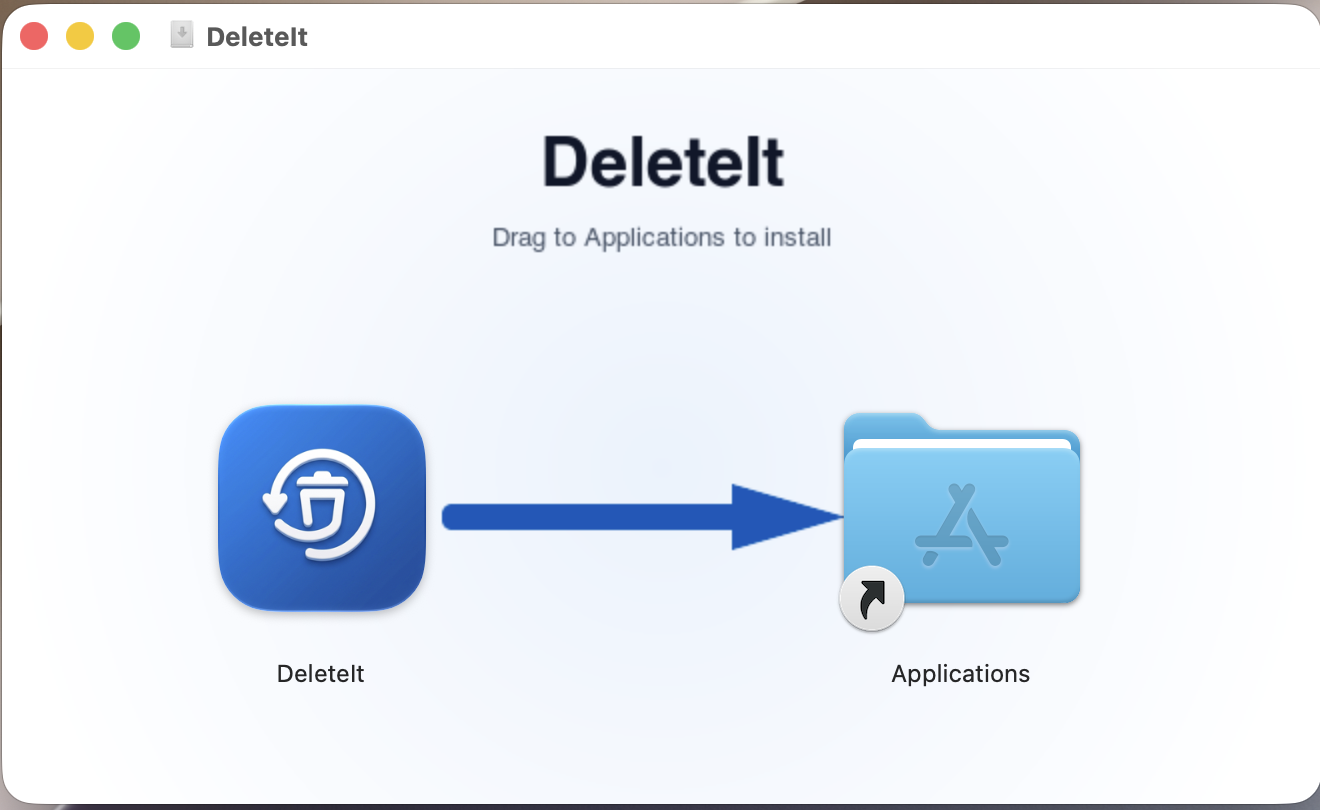
Double-click the downloaded DeleteIt.dmg file to mount it. A window like the one below will appear.
2. Drag to Applications
Drag the DeleteIt icon onto the Applications folder shortcut. macOS will copy the app.
3. Launch DeleteIt
Open DeleteIt and scan — no account needed. Clean up to 10 GB free. If you bought a license, sign in with the same email you used to purchase to activate it.