
You're all set.
Download DeleteIt
Your license is ready and attached to your email. Download the app and sign in with the same address — access unlocks automatically.
Download DMG~7 MBv1.0.4
How to install
1. Open the DMG
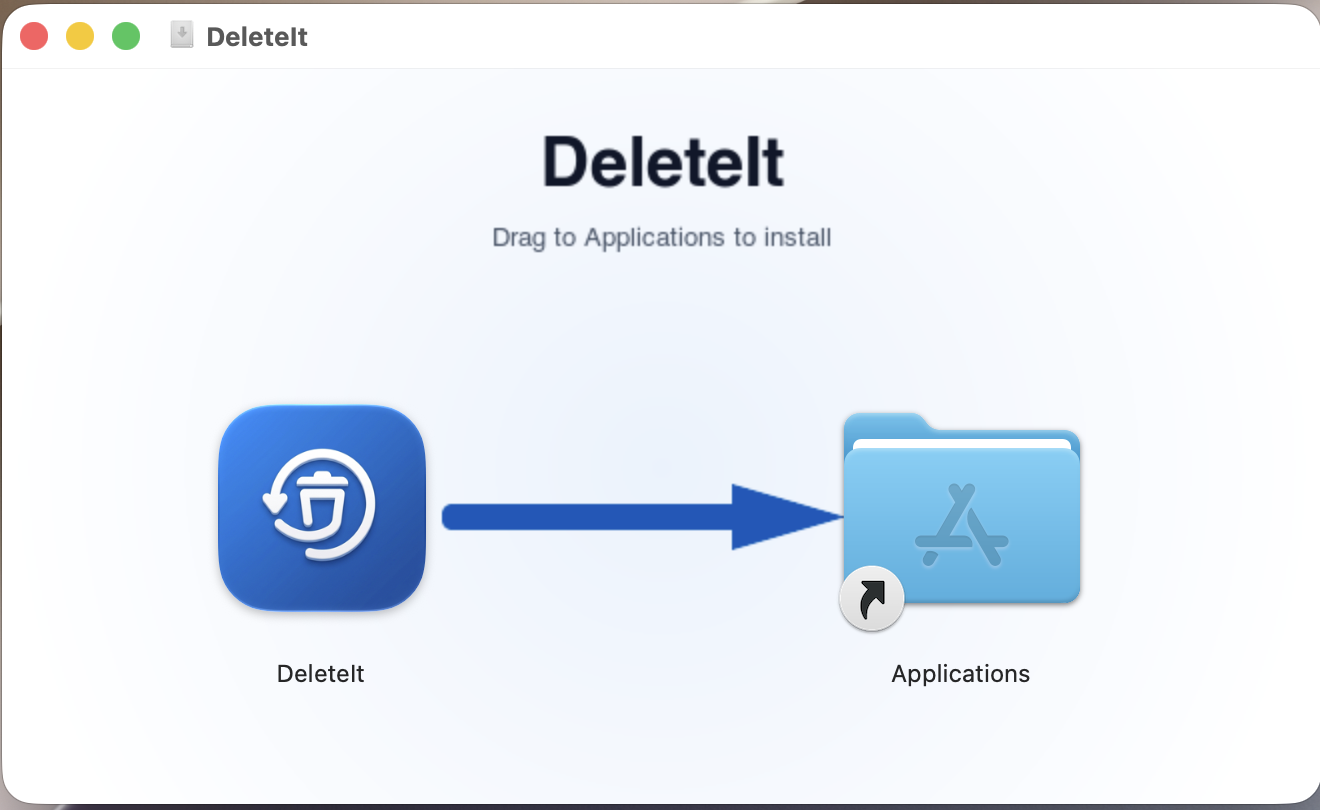
Double-click the downloaded DeleteIt.dmg file to mount it. A window like the one below will appear.
2. Drag to Applications
Drag the DeleteIt icon onto the Applications folder shortcut. macOS will copy the app.
3. Launch DeleteIt
Open Applications and double-click DeleteIt. Sign in with your email to scan free. If you bought a license, use the same email you used to purchase to activate it.
Next step: open DeleteIt, tap Sign in, and enter the same email you used to purchase. You'll get a 6-digit code by email. Once verified, your lifetime license activates.